You can use Tidewave MCP with Zed.
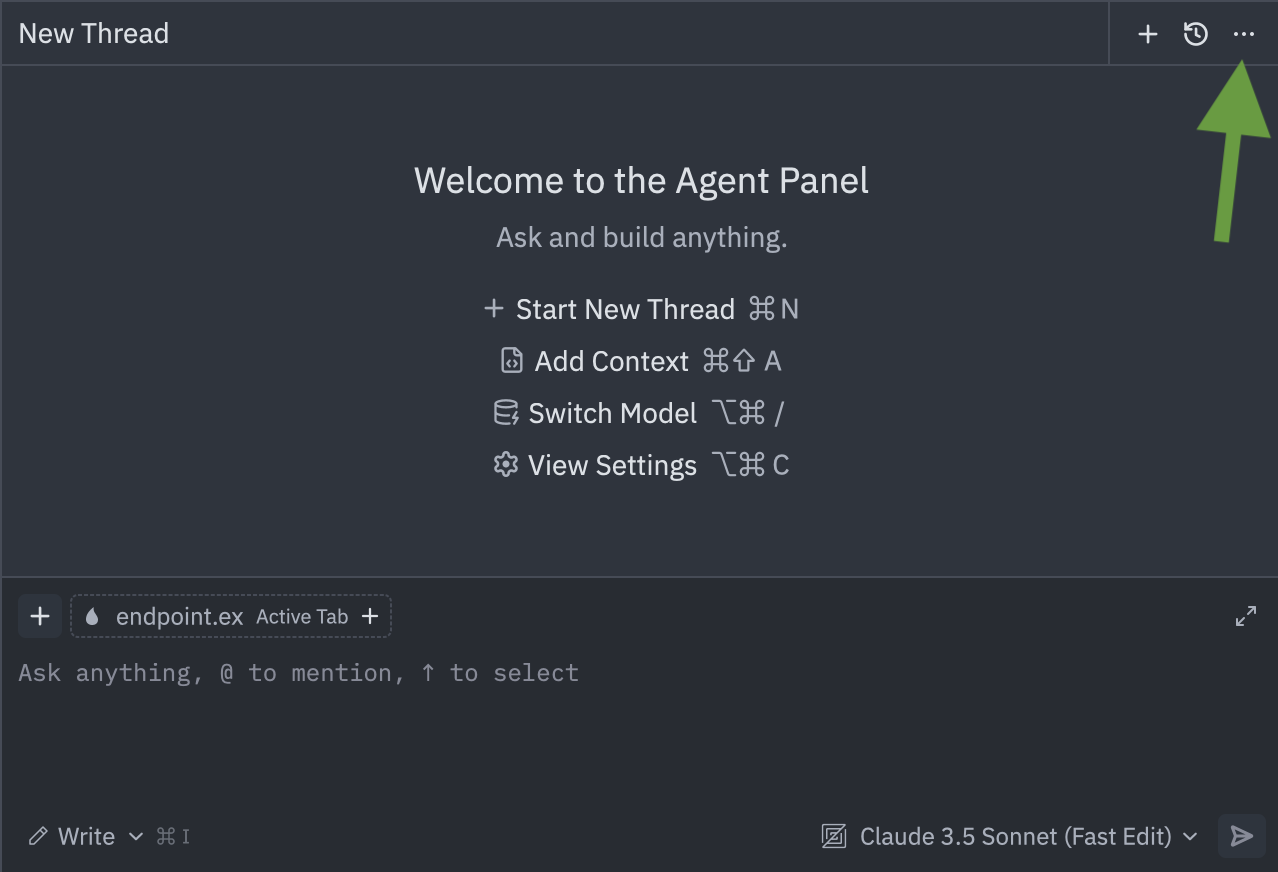
Once that's done, open up the Assistant tab and click on the ⋯ icon at the
top right (see image below):
In the new pane, select "Add Custom Server" to open a new dialog. Once the dialog opens up, click "Configure Remote" on its bottom left, and then fill in with the following:
{
  "tidewave-mcp": {
    "url": "http://localhost:$PORT/tidewave/mcp"
  }
}
Replace $PORT by the port your web application is running on.
And you are good to go! Now Zed will list all tools from Tidewave available.
If your application uses a SQL database, you can verify it all works by asking
it to run SELECT 1 as database query. If it fails, check out
our MCP Troubleshooting section. You can also manage your
installation, by clicking on the same ⋯ icon and then on "Settings".