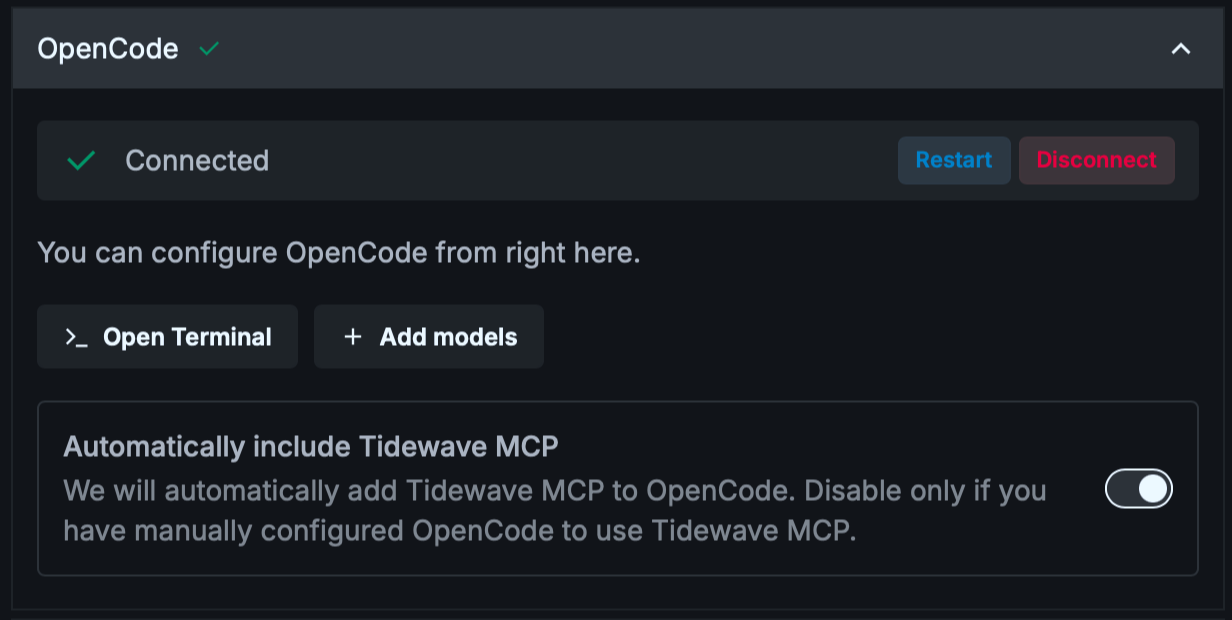
You can connect Tidewave Web directly to OpenCode.
Simply open up Tidewave Web settings, choose the Providers tab, choose "OpenCode" and click "Connect". Next we will automatically download and install OpenCode for you.
Once connected, we will automatically configure OpenCode to also use Tidewave MCP. You may disable this option if (and only if) you have already customized OpenCode to use Tidewave MCP.
Custom
opencodeinstallationIt is possible to use a custom
opencodeexecutable by setting theTIDEWAVE_OPENCODE_EXECUTABLEenvironment variable, either in your running web application, or in the Tidewave App/CLI. This is rarely needed in practice but it may be required in some operating systems like NixOS.
Adding models
Tidewave App/CLI minimum version
You need Tidewave App/CLI v0.3.5 or later to add OpenCode models directly from Tidewave Web. Click on the Tidewave icon in your menu bar and select "Check for Updates..." if you can't see the buttons as in the image below.
OpenCode supports +75 different providers, including GitHub Copilot subscriptions, OpenRouter, and Moonshot AI.
You can add new models directly from Tidewave Web, by clicking the "Add models" button inside the Provider settings: