View Source KinoTableInput
A table input widget for Livebook
Usage
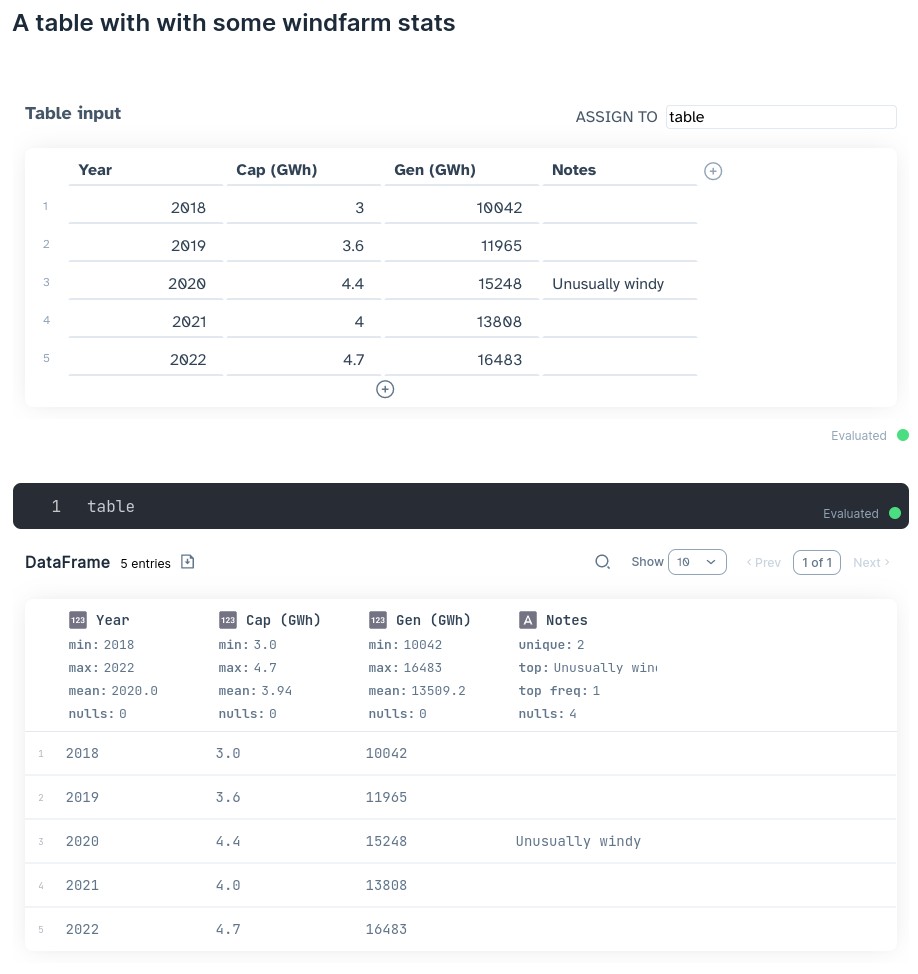
The KinoTableInput smart cell lets you input a
dataframe
manually. This is useful if you have some small dataset you need to
add to join with a larger dataset, or if you're using Livebook as a
lightweight spreadsheet program.
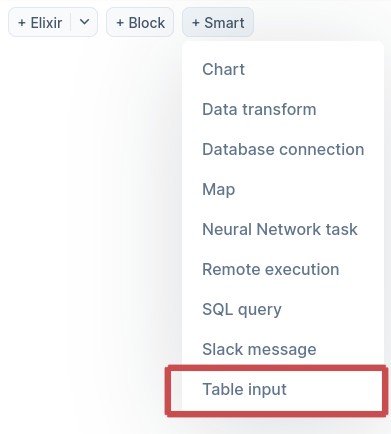
Follow the installation instructions below and add the "Table input" smart cell to your notebook.
Installation
Add the following to the dependencies section of your notebook:
Mix.install([
  {:kino_table_input, "~> 0.1.0"}
])
Development
This widget is under active development. As of v0.1.0, it's
functional, but not very user-friendly. I'll be adding features as I
find a need for them.
I'll be following the usual semantic versioning rules where, for 0.X
versions, the minor version may indicate a breaking change. In other
words, v0.1.0 to v0.1.1 is a safe upgrade, but v0.1.1 to
v0.2.0 may cause breakage because cell values are interpreted
differently or something like that.