Configuring app servers for production
Copy MarkdownThis guide covers recommended configurations for running Livebook app servers in production environments.
Persisting compiled dependencies
Livebook notebooks can declare Hex dependencies using Mix.install/2. When a notebook runs, Mix compiles these dependencies and caches them in a configurable directory. By default, this directory is not persistent in containerized environments, so dependencies must be recompiled every time the container restarts, increasing startup time for deployed apps.
To persist compiled dependencies across container restarts, mount a persistent volume and configure the following environment variable:
MIX_INSTALL_DIR=/dataWhere /data is the mount point of your persistent volume.
This reduces app startup time after container restarts since dependencies don't need to be recompiled.
Memory sizing
App servers require memory for the Livebook runtime itself plus each app session. Use this formula as a rule of thumb to calculate the recommended memory:
Total memory = 1.5 GB (base) + (50 MB × number of app sessions)The base 1.5 GB accommodates the Livebook web server and the memory required during Mix.install/2commands. Each app session requires approximately 50 MB, though this can vary depending on the app. For single-session apps, this equals one session per app. Multi-session apps will use 50 MB per session.
This calculation assumes all apps have active sessions running simultaneously, representing peak memory usage.
Example: For 70 single-session apps:
1.5 GB + (70 × 50 MB) = 1.5 GB + 3.5 GB = 5 GBReduce memory usage with inactivity shutdown
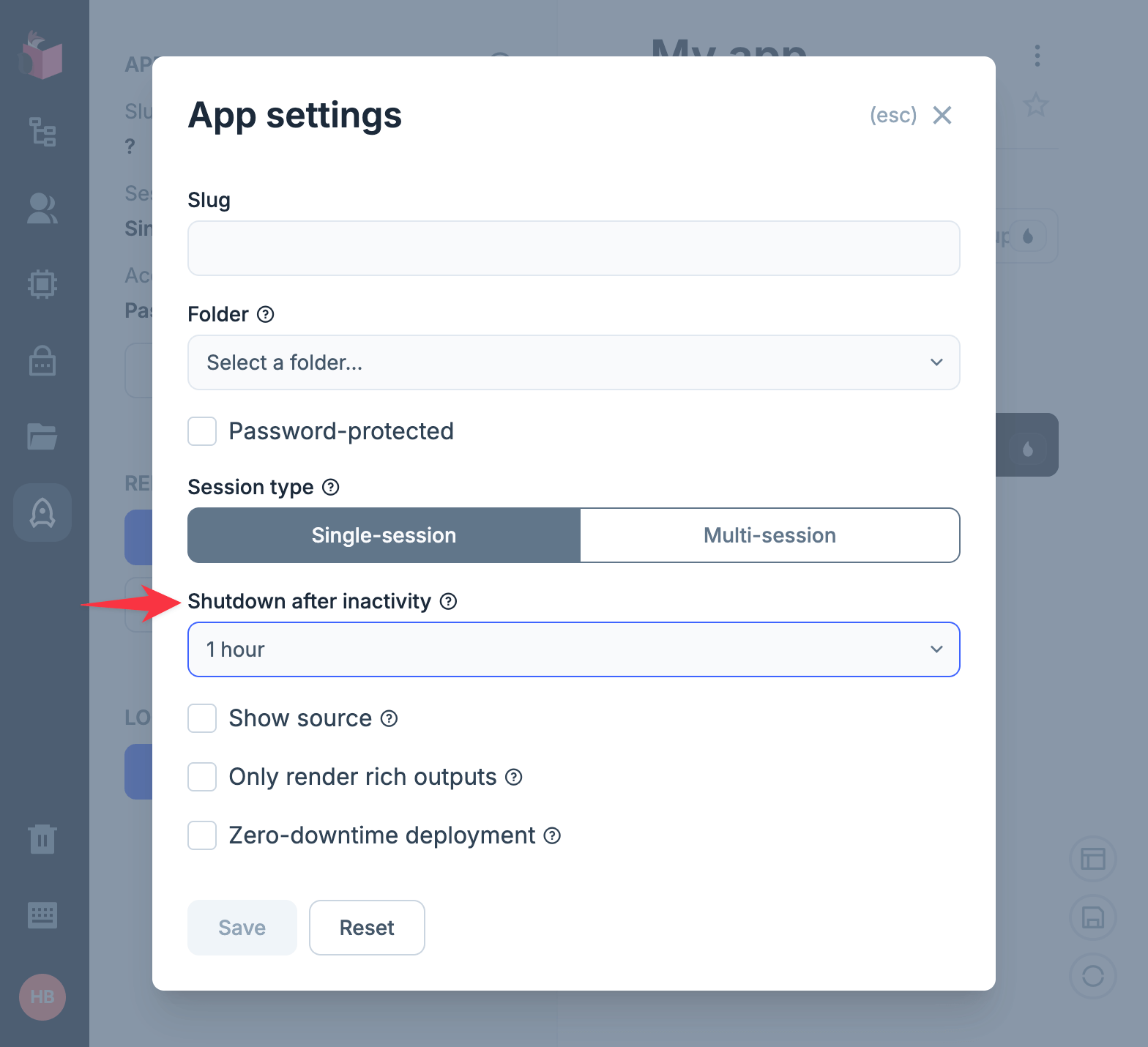
Configure "Shutdown after inactivity" in the app settings to automatically stop idle sessions. This frees memory when sessions are not in use.