View Source Compulab IOT-GATE-IMX8PLUS
This is the base Nerves System configuration for the Compulab IOT-GATE-IMX8PLUS.
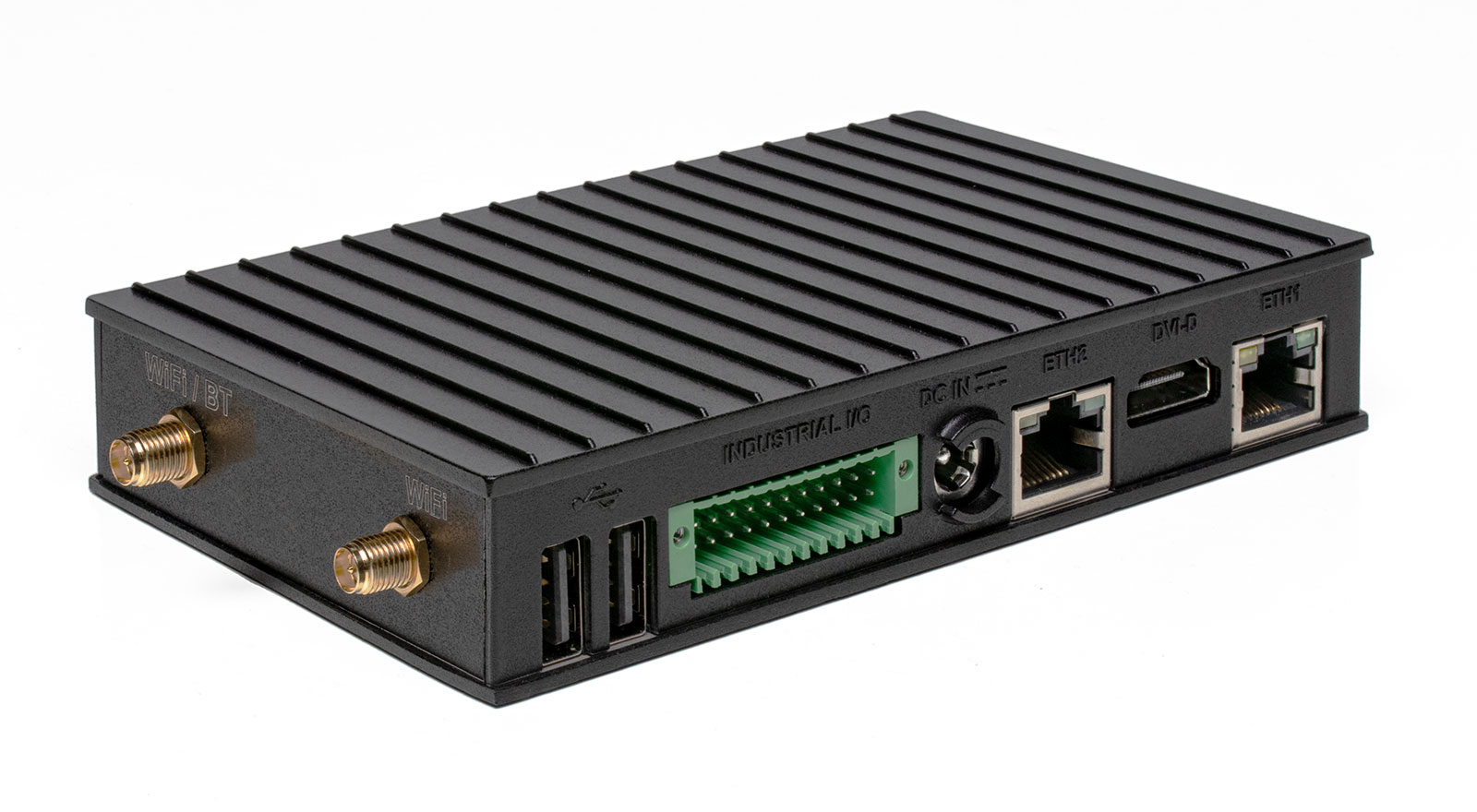
<sup>[Image credit](#compulab)</sup>
| Feature | Description |
|---|---|
| CPU | 1.8 GHz quad-core Cortex-A53 (64-bi) |
| NPU | AI/ML Neural Processing Unit, up to 2.3 TOPS |
| MCU | ARM Cortex-M7, 800Mhz |
| Storage | eMMC |
| Linux kernel | 6.1 |
| IEx terminal | UART ttymxc1 |
| GPIO, I2C, SPI | Yes - Elixir Circuits |
| Display | Yes |
| Ethernet | Yes |
| WiFi | Yes |
| Bluetooth | Yes |
| RTC | Yes |
| HW Watchdog | Yes |
Image credit: This image is from compulab.com.
Getting started
The IOT-GATE-IMX8PLUS gateway expects the bootloader to be located on hardware BOOT partition 1. When flashing firmware, ensure that both the bootloader and a complete disk image, generated using the fwup CLI tool, are provided.
Prerequisites
Building a firmware image
fwup -a \
  -d $FW_PROJECT_DIR/_build/$TARGET/nerves/images/firmware.img \
  -i $FW_PROJECT_DIR/_build/$TARGET/nerves/images/firmware.fw  \
  -t complete
Flashing the firmware image
uuu \
  -b emmc_all \
  $BINARIES_DIR/imx8-boot-sd.bin \
  $FW_PROJECT_DIR/_build/$TARGET/nerves/images/firmware.img
Flashing only U-Boot
uuu -b emmc $BINARIES_DIR/imx8-boot-sd.bin