You can run Tidewave as a browser app (currently supported on Chromium-based browsers). This allows Tidewave to run on its own window (so you can press Ctrl+Tab or Cmd+Tab to navigate to it) and better integrate with your operating system.
The installation process starts directly in the browser. For example, in Chrome, you will see the installation icon on the right-hand side of your the address bar:
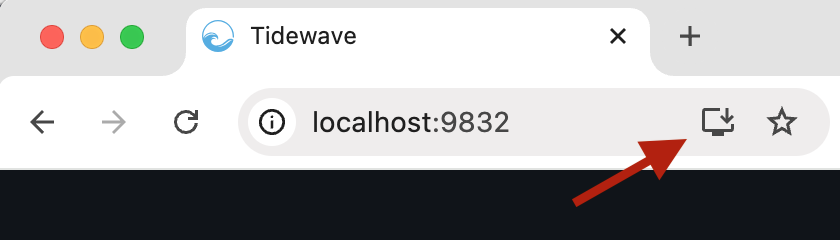
Then Tidewave should open up on a separate window.
A few features are available to browser apps:
Clicking "Open in browser" on the Tidewave menu in your menu bar (top right on macOS/Linux, bottom right on Windows) will now open up the browser app
Whenever the agent is waiting for your input, it will display the notification indicator in your dock/taskbar
You can use
web+tidewave://opento open up the browser app. Anything query string appended after the URL will be forwarded to Tidewave as is